Joystick Movement
Read the joystick through the CIA chip and move your ship with conditional branches — the moment the program becomes a game.
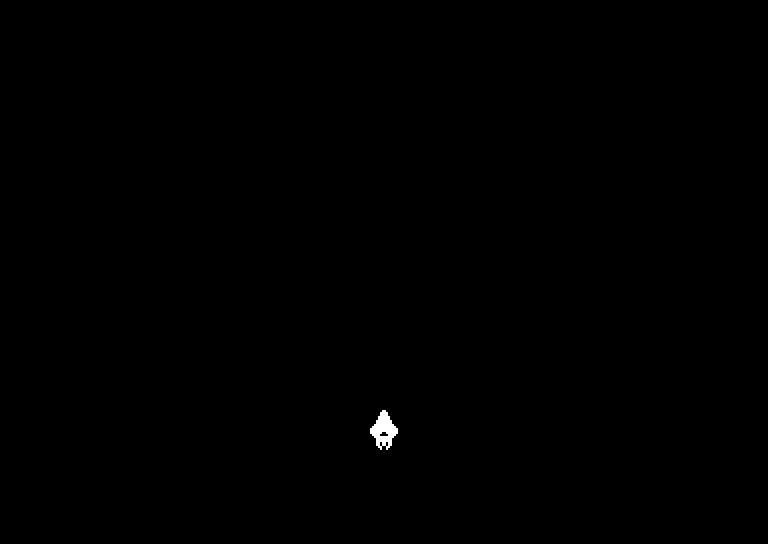
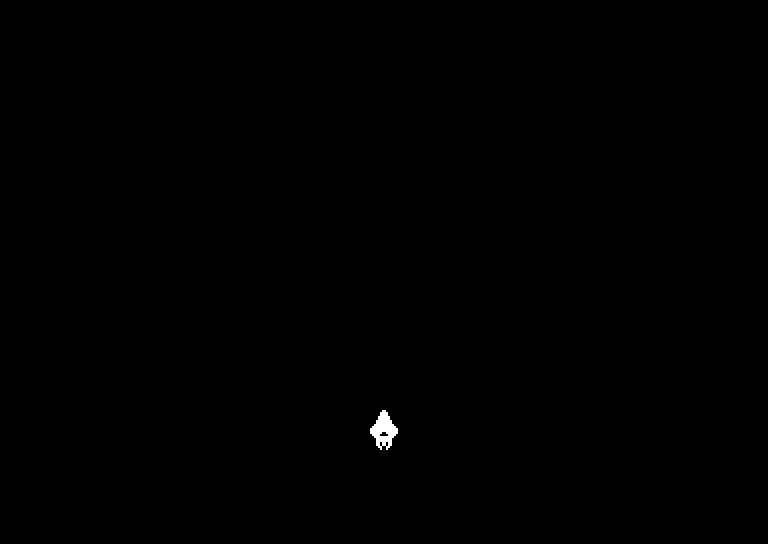
Push the joystick up. The ship moves up. Push right, it moves right.
That reaction — hardware reading your intent and something changing on screen — is the moment a program becomes a game. You’ll make it happen with three new concepts: a game loop that runs every frame, bit masking to read the joystick, and conditional branches that skip instructions based on the result.
The Game Loop
Every game on every platform works the same way: a loop that repeats at a fixed rate, processing input and updating the screen each time. On the C64, we sync to the display by waiting for the VIC-II’s raster beam to reach a specific line:
game_loop:
        ; Wait for the raster beam to reach line 255
        ; This syncs our code to the display (~50Hz PAL)
-       lda $d012
        cmp #$ff
        bne -

        ; ... game logic here ...

        jmp game_loop
Register $D012 holds the current raster line (0–255). The VIC-II draws the screen top-to-bottom, one line at a time. When it reaches line 255, we know the visible screen has been drawn and it’s safe to update.
CMP #$FFcompares the accumulator to 255. If they’re not equal, it sets a flag.BNE(Branch if Not Equal) jumps back to re-read$D012. The loop spins until the raster reaches line 255.JMP game_loopat the bottom repeats everything for the next frame.
The result: our code runs once per frame, at roughly 50 times per second on a PAL C64.
Reading the Joystick
The C64’s joystick plugs into a CIA chip (Complex Interface Adapter). Port 2 lives at address $DC00. Reading it gives you a single byte where each bit represents one switch:
| Bit | Direction | Mask |
|---|---|---|
| 0 | Up | %00000001 |
| 1 | Down | %00000010 |
| 2 | Left | %00000100 |
| 3 | Right | %00001000 |
| 4 | Fire | %00010000 |
The bits are active-low — a 0 means pressed, a 1 means released. This catches everyone out at first. When the joystick is untouched, $DC00 reads %11111111 ($FF). Push up, and bit 0 drops to 0: %11111110 ($FE).
AND Masking
To check one direction, we need to isolate a single bit from the byte. That’s what AND does — it keeps only the bits that are 1 in both the accumulator and the mask:
        ; UP (bit 0)
        lda $dc00           ; Read joystick port 2
        and #%00000001      ; Isolate bit 0
        bne not_up          ; Bit is 1 = NOT pressed (active low)
        dec $d001           ; Move ship up (decrease Y)
        dec $d001           ; 2 pixels per frame
not_up:
Step by step:
LDA $DC00reads the joystick byte into A. Note: no#— we’re reading from an address, not loading a literal value.AND #%00000001masks off everything except bit 0. If up is pressed, bit 0 is 0, so the result is 0. If not pressed, bit 0 is 1, so the result is 1.BNE not_upbranches if the result is not zero — meaning “not pressed, skip the movement.”- If we didn’t branch, the joystick is pushed up, so
DEC $D001decreases the sprite’s Y position. We do it twice for a speed of 2 pixels per frame.
All Four Directions
The same pattern repeats for each direction, changing only the bit mask and the register to modify:
        ; --- Read joystick and move ship ---

        ; UP (bit 0)
        lda $dc00           ; Read joystick port 2
        and #%00000001      ; Isolate bit 0
        bne not_up          ; Bit is 1 = NOT pressed (active low)
        dec $d001           ; Move ship up (decrease Y)
        dec $d001           ; 2 pixels per frame
not_up:

        ; DOWN (bit 1)
        lda $dc00
        and #%00000010
        bne not_down
        inc $d001           ; Move ship down (increase Y)
        inc $d001
not_down:

        ; LEFT (bit 2)
        lda $dc00
        and #%00000100
        bne not_left
        dec $d000           ; Move ship left (decrease X)
        dec $d000
not_left:

        ; RIGHT (bit 3)
        lda $dc00
        and #%00001000
        bne not_right
        inc $d000           ; Move ship right (increase X)
        inc $d000
not_right:
Each direction re-reads $DC00 and masks a different bit. The CIA register doesn’t change between reads within a frame, so this is safe. Diagonal movement works automatically — if you push up-right, both the up check and the right check will trigger, moving the ship in both axes.
INC and DEC
Two new instructions move the ship:
INC address— Increment: adds 1 to the value at that addressDEC address— Decrement: subtracts 1 from the value at that address
Since sprite position registers are memory-mapped, DEC $D001 directly subtracts 1 from the sprite’s Y position. No need to load the value, modify it, and store it back — INC and DEC do it in one instruction.
We call each one twice to move 2 pixels per frame. At 50 frames per second, that’s 100 pixels per second — about 2 seconds to cross the screen.
The Complete Code
; Starfield - Unit 2: Joystick Movement
; Assemble with: acme -f cbm -o starfield.prg starfield.asm

; ------------------------------------------------
; BASIC stub
; ------------------------------------------------
*= $0801
!byte $0c,$08,$0a,$00,$9e,$32,$30,$36,$31,$00,$00,$00

; ------------------------------------------------
; Initialisation
; ------------------------------------------------
*= $080d
        ; Black screen
        lda #$00
        sta $d020           ; Border colour
        sta $d021           ; Background colour

        ; Clear the screen
        ldx #$00
-       lda #$20
        sta $0400,x
        sta $0500,x
        sta $0600,x
        sta $0700,x
        inx
        bne -

        ; Sprite 0 setup (ship)
        lda #128
        sta $07f8           ; Data pointer (block 128 = $2000)
        lda #172
        sta $d000           ; X position
        lda #220
        sta $d001           ; Y position
        lda #$01
        sta $d027           ; Colour (white)
        lda #%00000001
        sta $d015           ; Enable sprite 0

; ------------------------------------------------
; Game loop — runs once per frame
; ------------------------------------------------
game_loop:
        ; Wait for the raster beam to reach line 255
        ; This syncs our code to the display (~50Hz PAL)
-       lda $d012
        cmp #$ff
        bne -

        ; --- Read joystick and move ship ---

        ; UP (bit 0)
        lda $dc00           ; Read joystick port 2
        and #%00000001      ; Isolate bit 0
        bne not_up          ; Bit is 1 = NOT pressed (active low)
        dec $d001           ; Move ship up (decrease Y)
        dec $d001           ; 2 pixels per frame
not_up:

        ; DOWN (bit 1)
        lda $dc00
        and #%00000010
        bne not_down
        inc $d001           ; Move ship down (increase Y)
        inc $d001
not_down:

        ; LEFT (bit 2)
        lda $dc00
        and #%00000100
        bne not_left
        dec $d000           ; Move ship left (decrease X)
        dec $d000
not_left:

        ; RIGHT (bit 3)
        lda $dc00
        and #%00001000
        bne not_right
        inc $d000           ; Move ship right (increase X)
        inc $d000
not_right:

        jmp game_loop

; ------------------------------------------------
; Sprite data at $2000 (block 128)
; ------------------------------------------------
*= $2000
        !byte $00,$18,$00   ;        ##
        !byte $00,$3c,$00   ;       ####
        !byte $00,$3c,$00   ;       ####
        !byte $00,$7e,$00   ;      ######
        !byte $00,$7e,$00   ;      ######
        !byte $00,$ff,$00   ;     ########
        !byte $00,$ff,$00   ;     ########
        !byte $01,$ff,$80   ;    ##########
        !byte $03,$ff,$c0   ;   ############
        !byte $07,$ff,$e0   ;  ##############
        !byte $07,$ff,$e0   ;  ##############
        !byte $07,$e7,$e0   ;  ###..####..###
        !byte $03,$c3,$c0   ;   ##....##....##
        !byte $01,$ff,$80   ;    ##########
        !byte $00,$ff,$00   ;     ########
        !byte $00,$ff,$00   ;     ########
        !byte $00,$db,$00   ;     ##.##.##
        !byte $00,$db,$00   ;     ##.##.##
        !byte $00,$66,$00   ;      ##..##
        !byte $00,$24,$00   ;       #..#
        !byte $00,$00,$00   ;
If It Doesn’t Work
- Ship doesn’t move? In VICE, check Settings → Joystick to ensure joystick 2 is mapped. Try keyboard arrows or numpad.
- Ship moves the wrong way? Up should decrease Y (screen Y runs top-to-bottom). Check you’re using
DECfor up andINCfor down. - Ship moves without touching joystick? Make sure you’re reading
$DC00(port 2), not$DC01(port 1). If another device is connected to port 1, it can interfere. - Ship moves too fast? Remove one of the two
DEC/INCinstructions per direction. One pixel per frame = 50 pixels per second. - Ship disappears at screen edges? That’s expected — we haven’t added boundary checking yet. The X register wraps from 255 to 0, and Y does the same. We’ll fix this in a later unit.
Try This: Change the Speed
Each DEC/INC pair moves the ship 2 pixels per frame. Try changing it:
- 1 pixel/frame — Remove one
DEC/INCfrom each direction. Slow and precise. - 3 pixels/frame — Add a third
DEC/INC. Noticeably faster. - 4 pixels/frame — Getting twitchy. This is roughly how fast Arcadia moves.
Try This: Disable a Direction
Comment out the LEFT block:
        ; LEFT (bit 2)
        ; lda $dc00
        ; and #%00000100
        ; bne not_left
        ; dec $d000
        ; dec $d000
not_left:
The ship can only move up, down, and right. Games use this trick for scrolling levels where the player can only advance forward.
What You’ve Learnt
- The game loop — Every game runs in a loop: wait for frame, read input, update state, repeat. The raster wait at
$D012syncs us to the display. - CIA port ($DC00) — The joystick is read as a single byte. Each bit is a direction or the fire button. Bits are active-low: 0 = pressed.
- AND masking —
AND #maskisolates specific bits. The result is zero if the tested bit was 0, non-zero if it was 1. - BNE (Branch if Not Equal) — Skips ahead if the last operation’s result was not zero. Used here to skip movement when a direction isn’t pressed.
- INC and DEC — Increment and decrement a value at a memory address in a single instruction. Perfect for adjusting sprite positions.
- CMP (Compare) — Compares the accumulator to a value and sets flags, used here in the raster wait.
What’s Next
The ship moves but can’t fight back. In Unit 3, you’ll add a bullet that fires from the ship when you press the fire button — using zero-page variables to track whether a bullet is active.