Four Directions
Move the cursor up, down, left, and right with Q/A/O/P using INKEY$.
One direction isn’t much of a game. Four directions and a loop that keeps running — now you can explore the whole screen. This is where a static program becomes interactive. The player is in control.
Q/A/O/P Movement
10 CLS
20 LET r = 10
30 LET c = 15
40 PRINT AT r, c; "+"
50 LET k$ = INKEY$
60 IF k$ = "" THEN GO TO 50
70 PRINT AT r, c; " "
80 IF k$ = "q" THEN LET r = r - 1
90 IF k$ = "a" THEN LET r = r + 1
100 IF k$ = "o" THEN LET c = c - 1
110 IF k$ = "p" THEN LET c = c + 1
120 PRINT AT r, c; "+"
130 GO TO 50
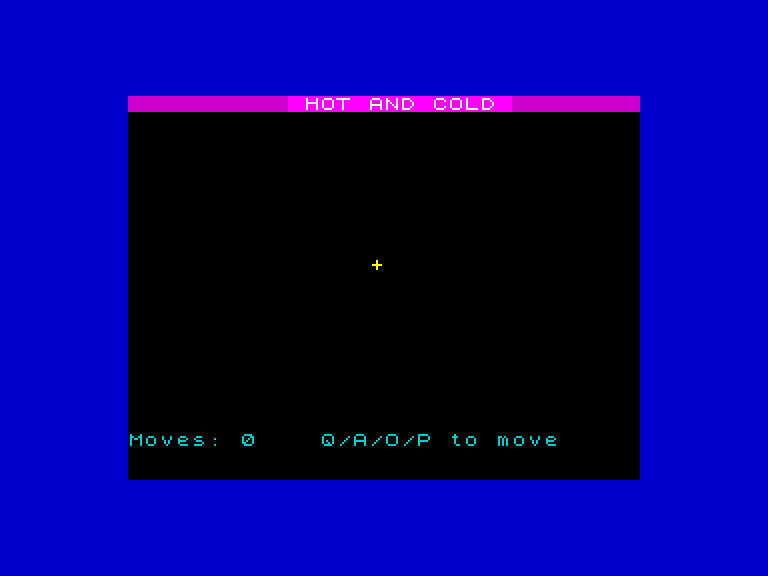
The yellow ”+” sits on screen, waiting. Press Q and it jumps up. Press A and it drops down. Press O and it slides left. Press P and it moves right. Each keypress moves the cursor one cell and waits for the next — you can feel your way around the grid.
The program stores the key press in k$ (line 50), then checks which key it was:
- Q — up (decrease row)
- A — down (increase row)
- O — left (decrease column)
- P — right (increase column)
Line 130 sends execution back to line 50 to wait for the next key. The cursor keeps moving until you break the program.
Why Q/A/O/P?
On the Spectrum’s rubber keyboard, these four keys sit in a natural diamond shape on the left side. Q is above A (up/down), and O is left of P (left/right). Most Spectrum games used this layout — it became the standard.
The Game Loop
This program follows the shape of every game you’ll build:
- Draw — print the cursor (line 40, then line 120)
- Read input — wait for a key press (lines 50-60)
- Update — erase old position, change
rorc(lines 70-110) - Repeat — go back to step 2 (line 130)
This read-update-draw loop runs forever. Every game from now on will follow this pattern.
The Problem
Try moving the cursor to the top edge and pressing Q again. Or move to the right edge and press P. The program crashes — the Spectrum can’t print outside the screen grid. Row -1 and column 32 don’t exist.
The fix is boundary checking, and we’ll combine it with something more interesting in the next unit.
Try This
Different keys. Change the key checks to use any letters you prefer. Just keep them in a diamond layout so your fingers stay comfortable.
Faster movement. Remove the INKEY$ wait loop — use IF INKEY$ <> "" THEN GO TO 70 instead. The cursor moves whenever a key is held down, not just on each fresh press.
What You’ve Learnt
- Q/A/O/P — the standard Spectrum movement keys
- k$ = INKEY$ — store the key press in a variable for multiple checks
- Four IF statements — one for each direction, each modifying
rorc - The game loop — draw, read input, update, repeat