Hot and Cold
A grid search game — find the hidden treasure by reading the border colour.
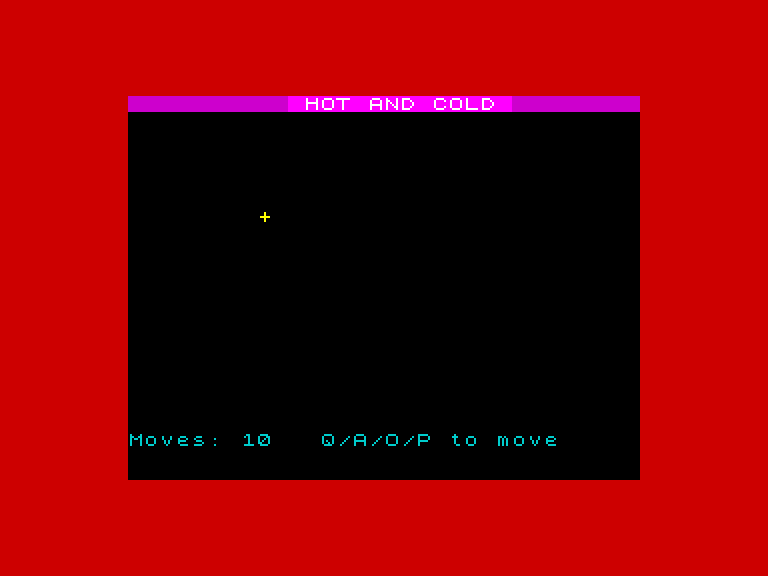
A treasure is hidden somewhere on screen. You can’t see it — but the border knows where it is. Move your cursor with Q/A/O/P and watch the colour shift. Blue means cold, far away. Red means warm, getting closer. Yellow means burning hot, almost there. Find all five treasures in the fewest moves you can.
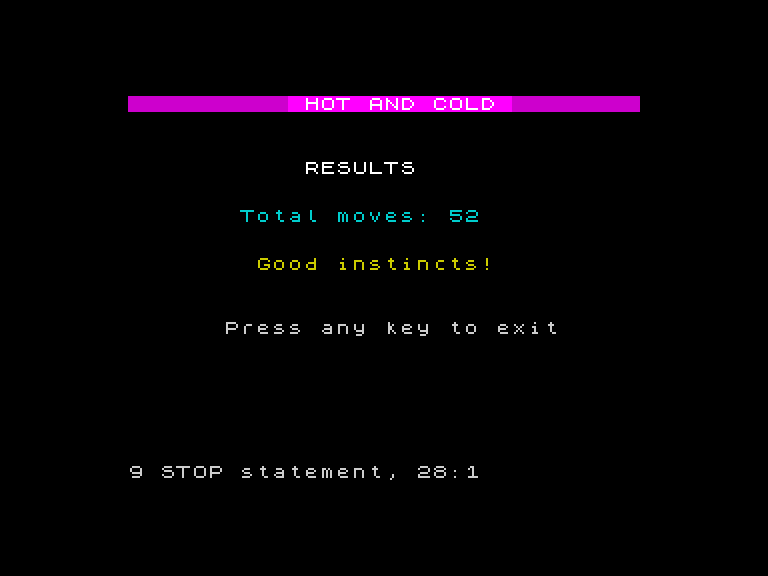
What You’ll Learn
- The game loop — read input, update state, draw, repeat — the pattern behind every game
- Position variables — using
randcto track where something is and move it - Q/A/O/P movement — the standard Spectrum control scheme
- ABS — calculating distance without caring about direction
- PRINT AT for game screens — building on what you learnt in Game 2 to create a full interactive grid
- FOR/NEXT for rounds — wrapping a game in a loop with scoring
Prerequisites
Complete Game 3: Colour Flood first. You’ll need FOR/NEXT, INK, PAPER, BORDER, BRIGHT, and PRINT AT (which you first used in Game 2).
Unit Roadmap
Hot and Cold
Find hidden treasure guided only by colour
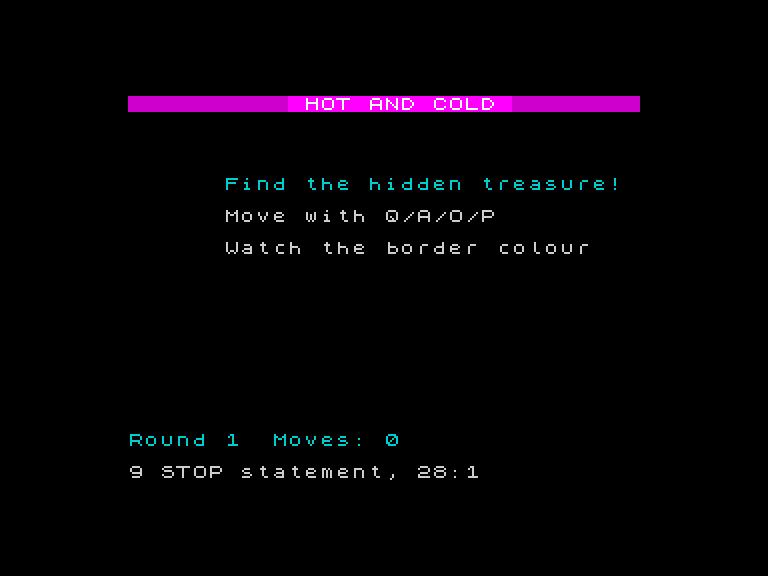
Placing Text
Use PRINT AT to place text at exact positions and build the game screen.
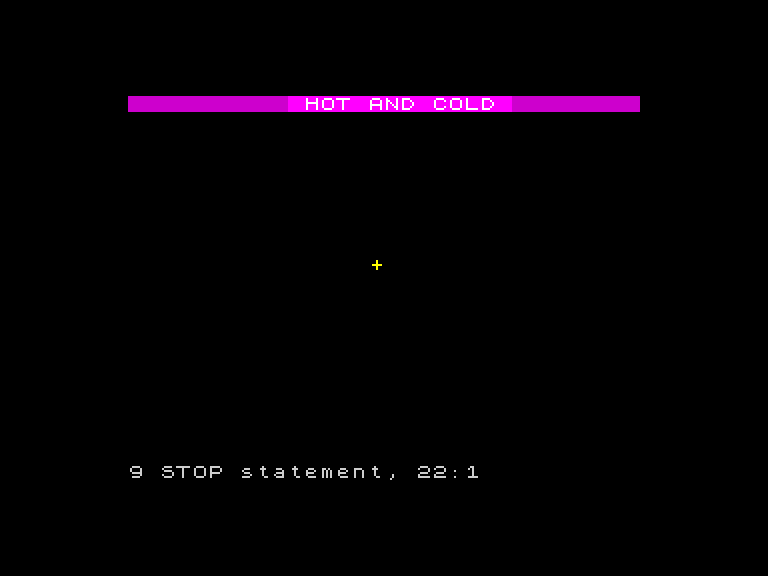
The Cursor
Display a cursor character using position variables and the erase-update-draw pattern.
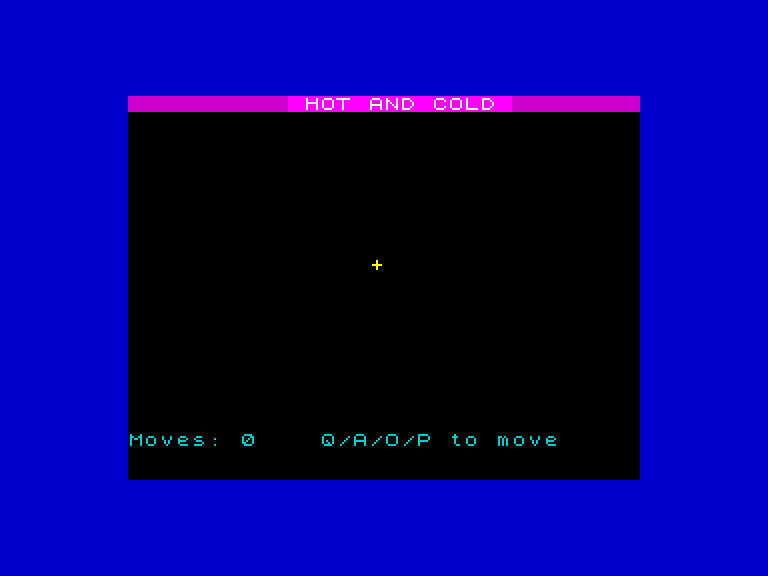
Four Directions
Move the cursor with Q/A/O/P using INKEY$ and the game loop.
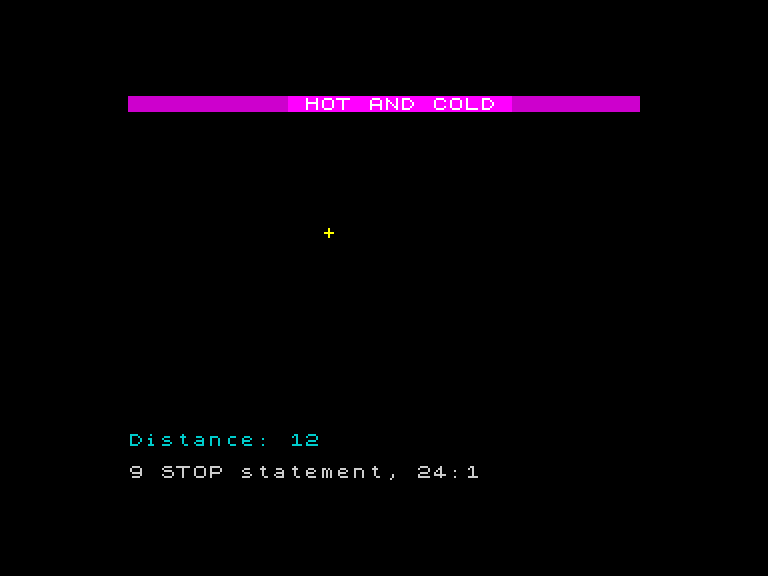
Hidden Treasure
Place treasure at a random position, add boundary checking, and calculate distance with ABS.
Hot and Cold
Map distance to border colour — the core mechanic that makes the game work.
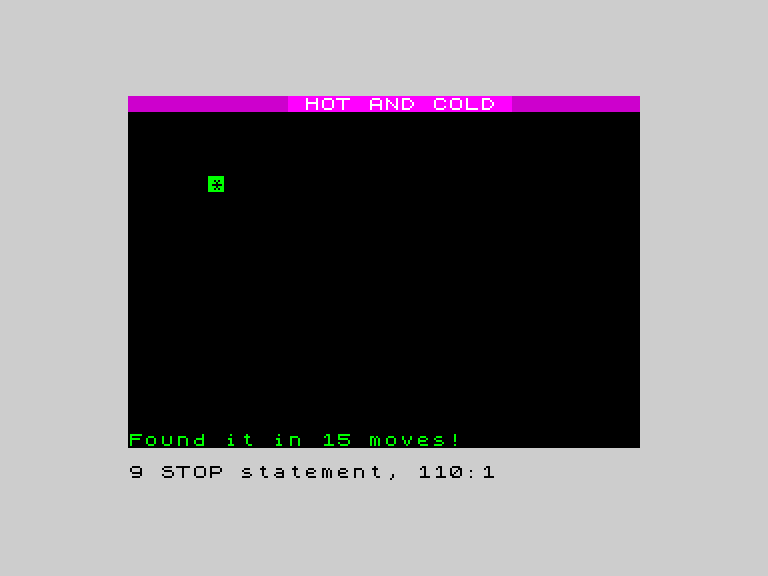
Found It!
Detect the treasure and reward the player with a flashing star, ascending BEEPs, and a message.
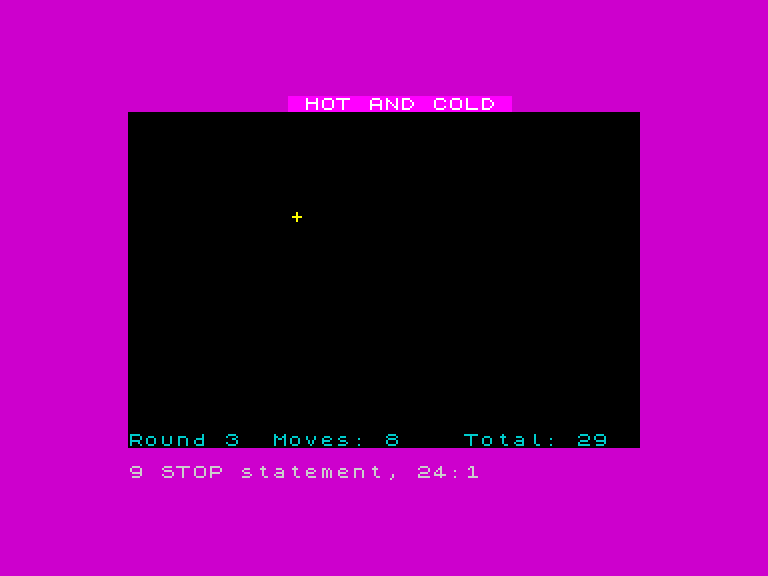
Five Rounds
Wrap the game in a FOR loop for five rounds with a move counter and running total.
Results
Add a results screen with rating tiers, a title screen, and finish the game.