Word Scramble
A word puzzle game — unscramble jumbled letters on blue tiles to find the hidden word.
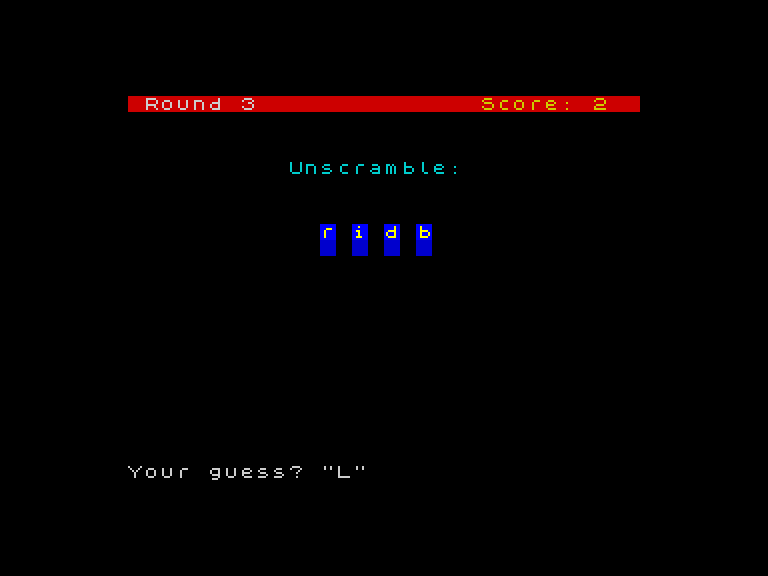
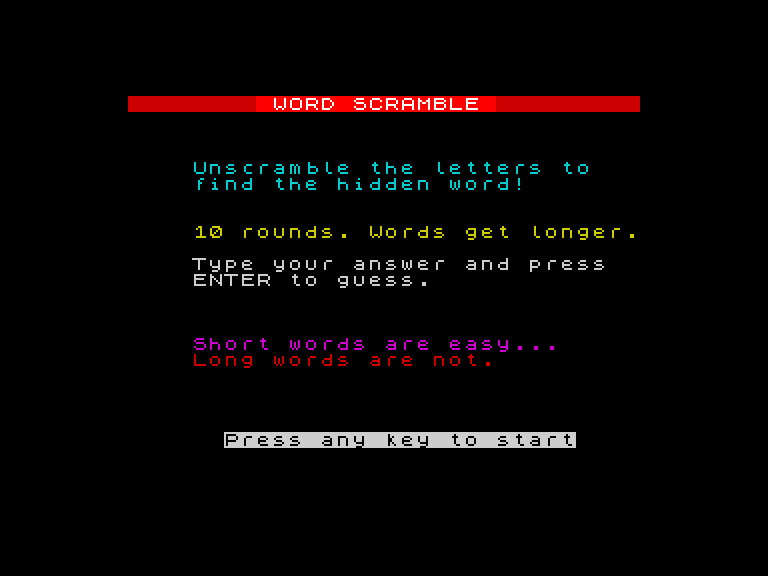
Letters appear on blue tiles, jumbled into a random order. Type the word you think they spell. Get it right and the tiles turn green with a victory jingle. Get it wrong and the answer is revealed in red, letter by letter. Ten rounds, words getting longer. Short words are easy — long words are not.
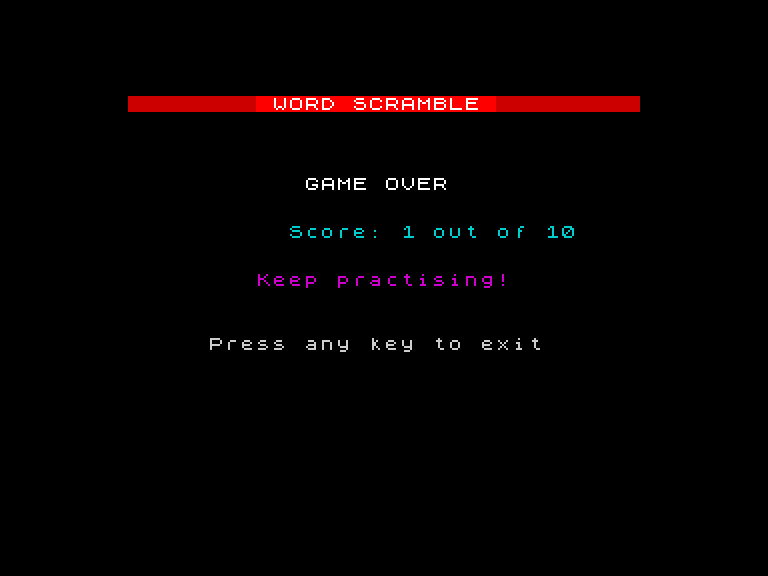
What You’ll Learn
- String variables — storing and comparing text with
LET w$ = "cat" - LEN — measuring word length to draw the right number of tiles
- String slicing — extracting characters with
w$(i TO i) - Concatenation — building new strings with
+ - The scramble algorithm — randomly reordering letters
- DATA and READ — storing a word list inside the program
- Colour feedback — green tiles for correct, red for wrong, border flash
Prerequisites
Complete Game 4: Hot and Cold first. You’ll need PRINT AT, FOR/NEXT, INPUT, and colour commands.
Unit Roadmap
Word Scramble
Build a complete word puzzle from scratch
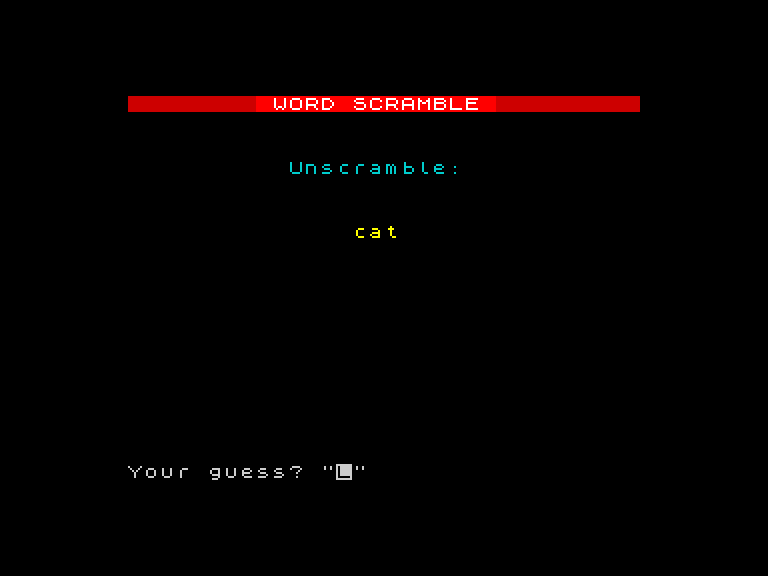
Words in Variables
Store text in string variables, compare them, and build the game screen.
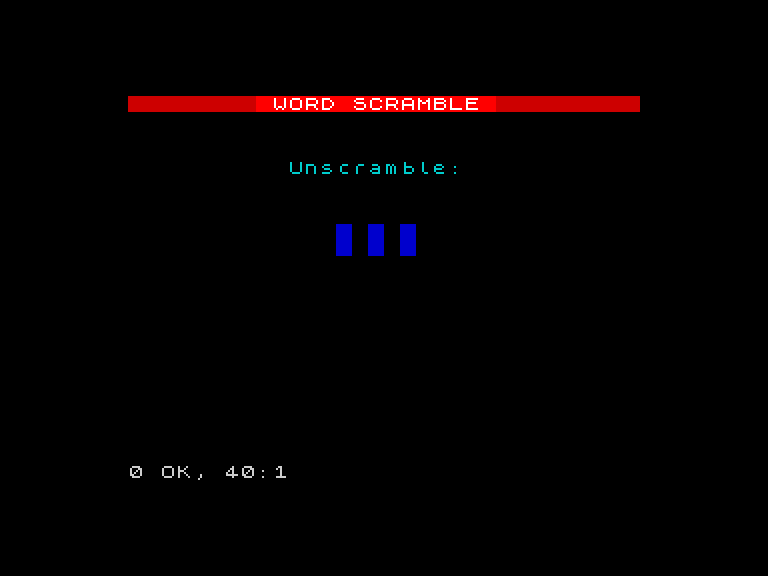
How Long Is a Word?
Use LEN to count letters and draw blue tiles — one per character, centred on screen.
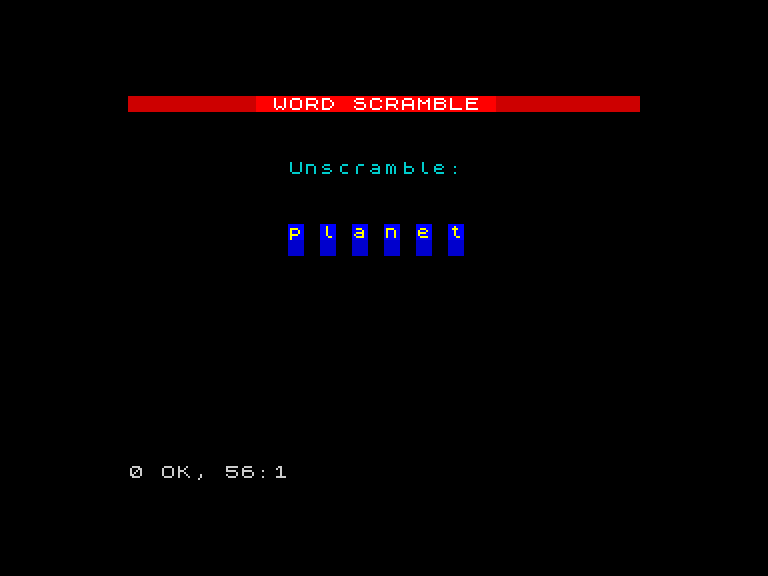
Letters on Tiles
Extract individual characters with string slicing and animate them onto the tiles.
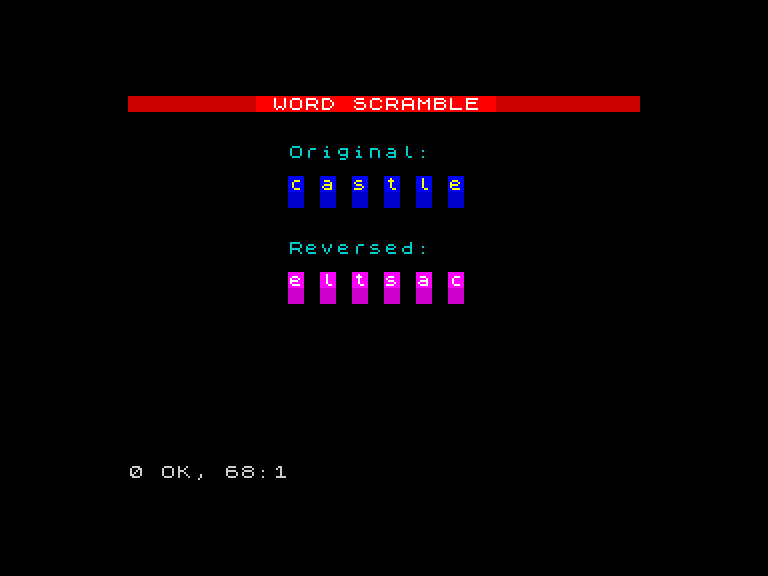
Building New Words
Join strings with + to build words character by character, then reverse a word on tiles.
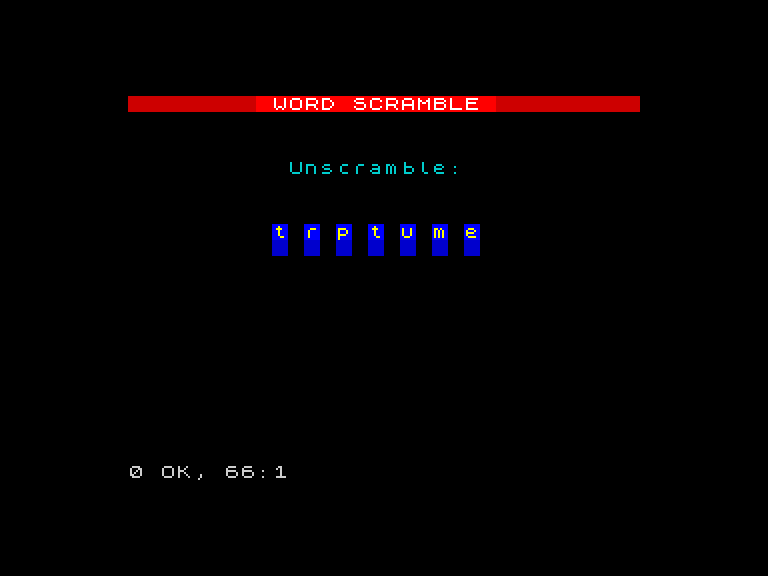
The Scrambler
Remove characters from a string one at a time to build the full scramble algorithm.
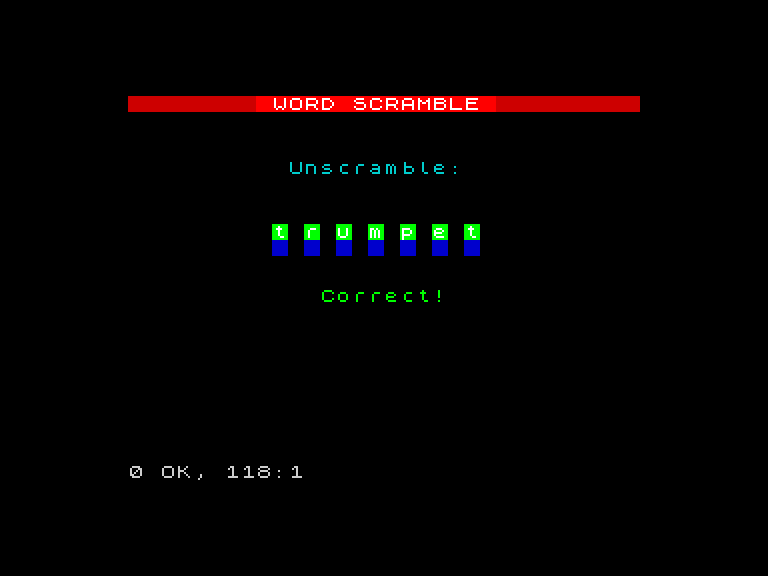
Guess and Check
Add INPUT, compare the guess, and give colour-coded feedback with tile changes and border flash.
Word List
Store ten words in DATA, read them with READ, and play through ten rounds with score tracking.
The Finished Game
Add a title screen, results screen with animated score and ratings, and finish the game.