Quiz Master
A multiple-choice quiz with four categories, GO SUB subroutines, and a scored breakdown.
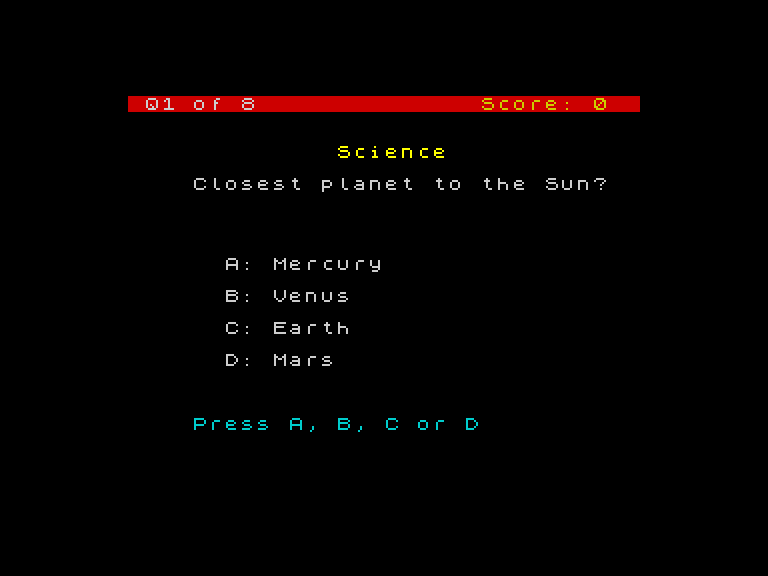
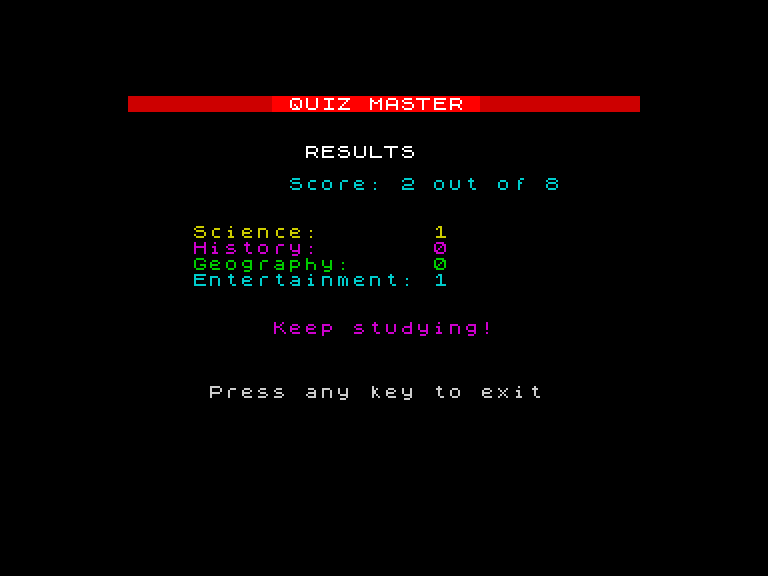
Eight questions from four categories. Press A, B, C or D — no ENTER needed. Right answers flash green with an ascending jingle. Wrong answers flash red and show the correct option. After all questions, a results screen breaks down your score by category.
What You’ll Learn
- AND — combining conditions for input validation
- INKEY$ — instant single-key input without ENTER
- GO SUB / RETURN — reusable subroutines for drawing and mapping
- DIM and arrays — tracking scores per category in numbered slots
- RESTORE — rewinding DATA for replay
- Categories — colour-coded subjects with visual identity
Prerequisites
Complete Game 5: Word Scramble first. You’ll need DATA/READ, string variables, and colour commands.
Unit Roadmap
Quiz Master
Build a complete multiple-choice quiz from scratch
One Question
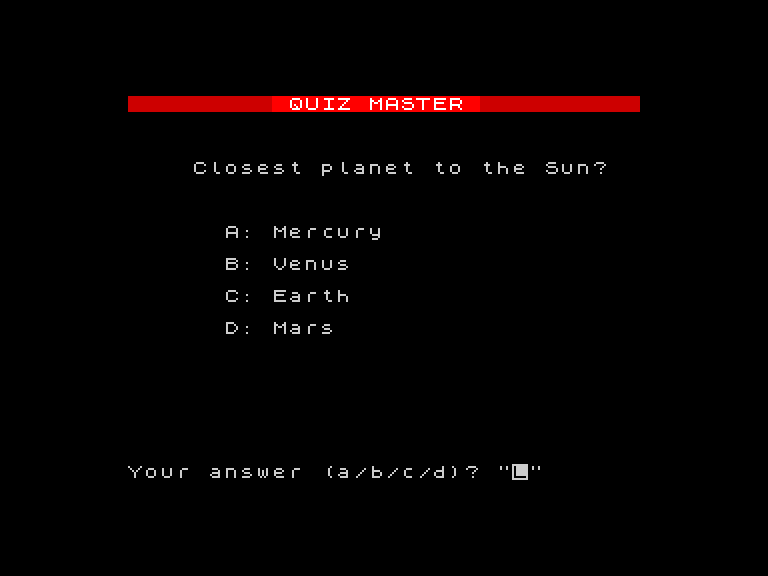
Display a multiple-choice question on the game screen, take an answer, and check it.
Questions from DATA
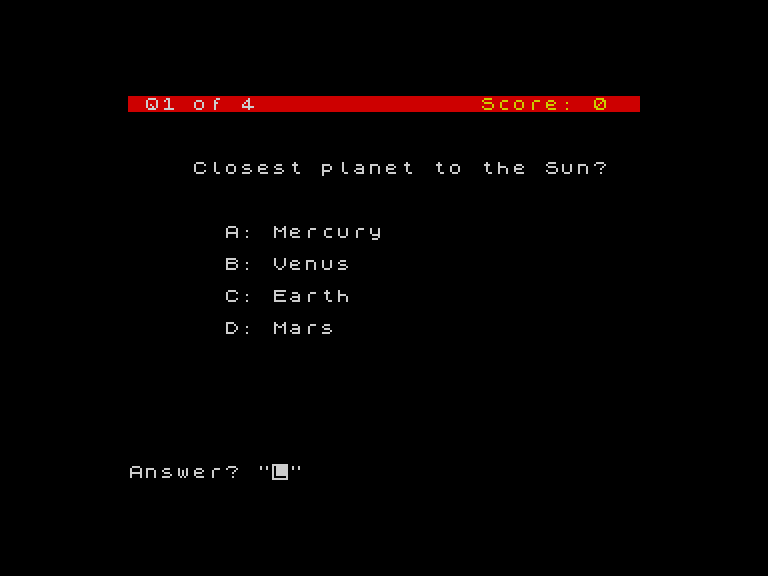
Store multiple questions in DATA and loop through them with READ and scoring.
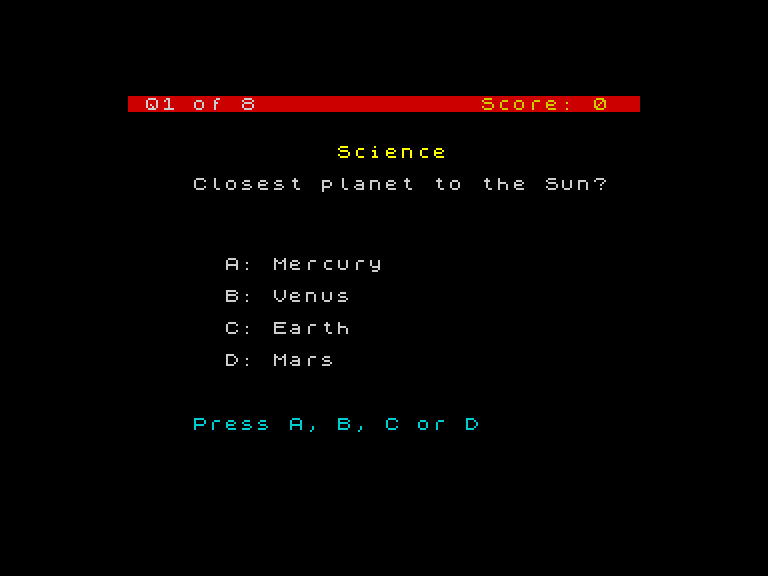
Press a Key
Replace INPUT with INKEY$ for instant responses, using AND to validate.
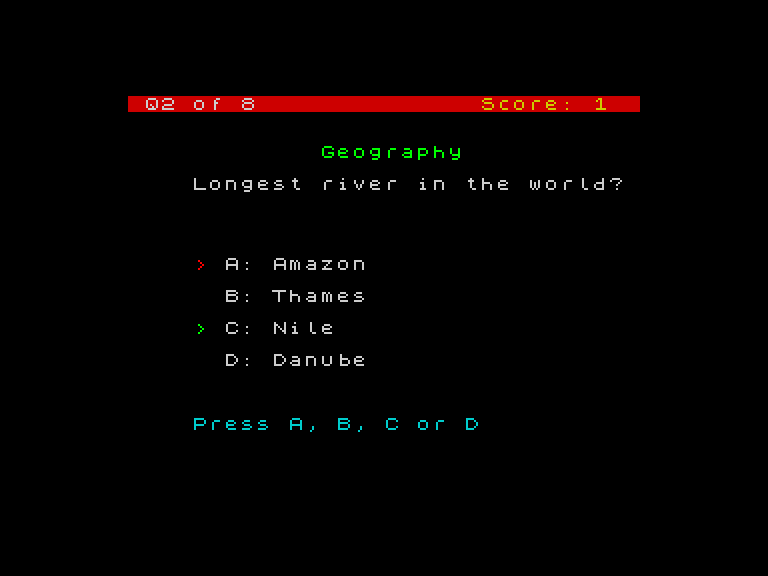
Right and Wrong
Add green and red arrow markers, border flash, and sound effects.
Reusable Drawing
Extract the question card and key mapping into GO SUB subroutines.
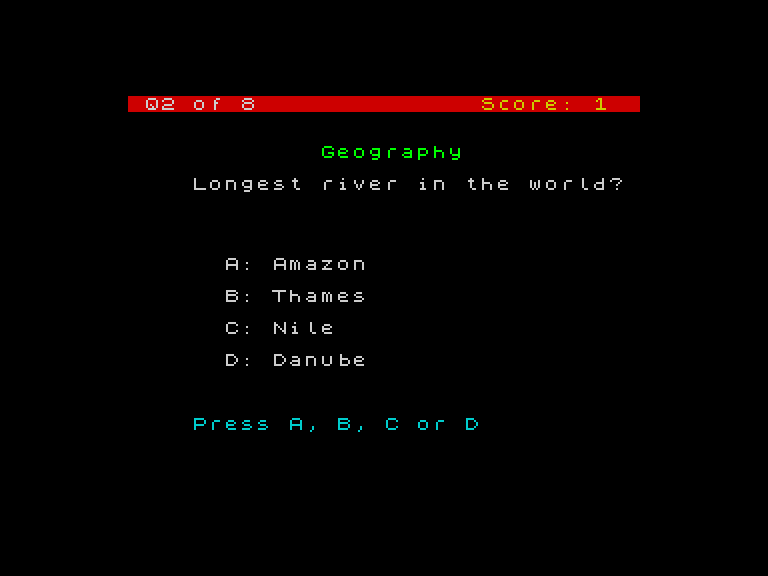
Categories
Add colour-coded category labels above each question.
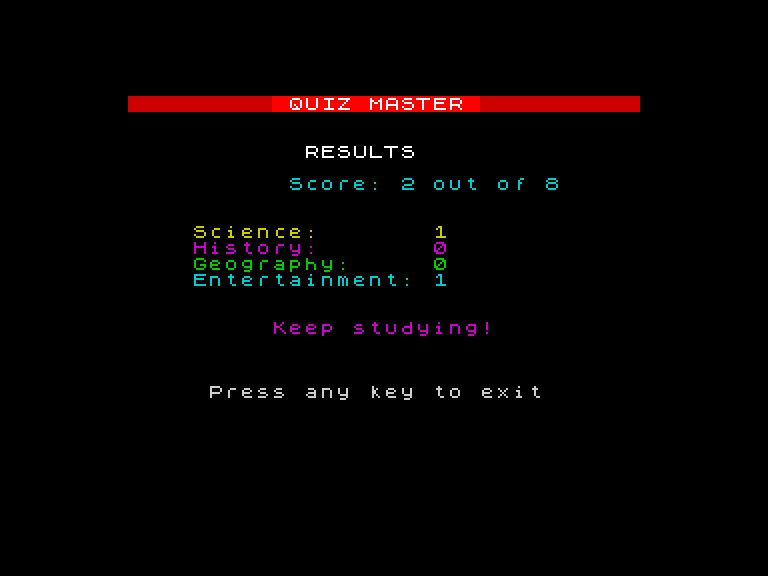
Category Scores
Use DIM to create an array that tracks scores per category.
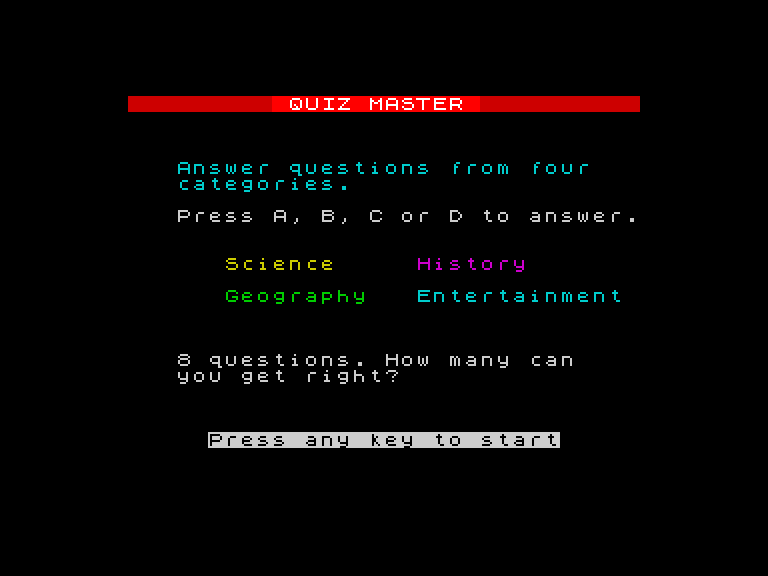
The Finished Quiz
Add title screen, results with animated score and ratings, and RESTORE for replay.