Spectrum · Assembly · Z80
ZX Spectrum assembly
Learn Z80 assembly by building games
Where you are
04 · Machine track
Spectrum assembly is the concrete Z80 route through the machine.
This is the application layer: instructions, registers, addressing, the Spectrum screen layout, attributes, sound, input, timing, and complete games that run inside the 48K machine's limits.
- Sinclair BASIC is helpful for understanding the machine, but not required.
- You should be comfortable with variables, loops, branches, and binary or use Foundations first.
- Use The Craft when a game pauses on transferable ideas such as movement, collision, state, or feel.
Before you begin
You'll need an assembler and an emulator. Both are free and take five minutes to install.
Set up your tools →Games
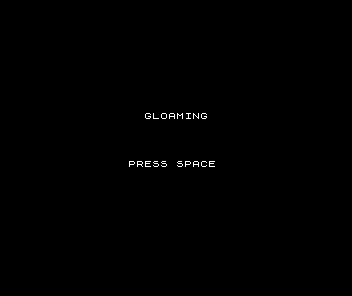
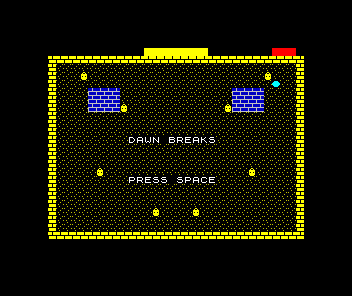
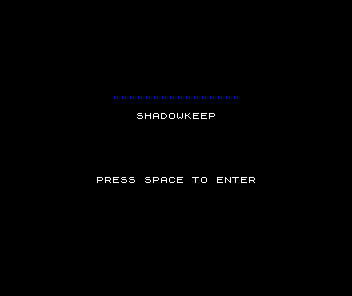
Each game teaches new skills while building something you'll want to play. Start with Game 1 and work through in order — each builds on what came before.

What you'll master
By the time you've built all the games, you'll have deep knowledge of Spectrum hardware and Z80 assembly.
Attribute system
The Spectrum's unique colour system where 8×8 pixel blocks share INK and PAPER colours. Learn why this limitation defined Spectrum aesthetics.
ULA graphics
Understand the Uncommitted Logic Array that generates the display. Master the non-linear screen layout and attribute memory.
Z80 assembly
The instruction set that powered millions of machines. Write code that runs on Spectrum, Amstrad CPC, MSX, and Game Boy.
Software sprites
No hardware sprites means everything is software. Learn masking, shifting, and the techniques that made Spectrum games possible.
Memory map
The Spectrum's 48 KB address space puts the screen right next to the ROM — the layout that shapes every Spectrum program.
Ready to start?
Start with Meet the Machine — the Z80 and the Spectrum, one idea at a time. By the end of its first unit you've drawn to real Spectrum hardware in hand-written Z80; a few units on, you finish Gloaming, a complete game.
Start: Meet the Machine →