
Commodore 64 assembly
Learn the machine by building games on it
C64 assembly is where the ideas become 6510 code and VIC-II/SID behaviour.
This route is the concrete application layer: registers, addressing modes, screen memory, sprites, sound, frame loops, and complete games under the C64's actual constraints.
- BASIC is useful for learning the C64, but it is not a formal prerequisite.
- You should be comfortable with variables, loops, branches, and binary or be ready to learn them here slowly.
- Use The Craft when a game introduces a technique such as timing, collision, state, or game feel.
Before you begin
You'll need an assembler (Asm198x) and an emulator (VICE). Both are free, and the setup guide covers installing them on macOS, Linux and Windows.
Set up your tools →Games
Start with Meet the Machine, then build Starfield. Each game teaches new skills while building something you'll want to play. More games will be listed here as their lessons are published.

Meet the Machine
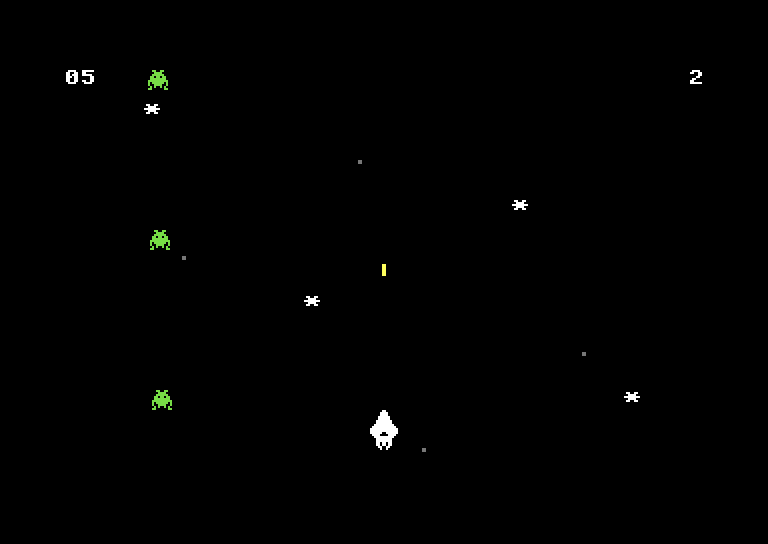
Starfield
What you'll master
The parts of the C64 these games put to work, from 6510 code to the VIC-II and SID.
VIC-II graphics
Sprites, character graphics, smooth scrolling, raster interrupts, and the tricks that made C64 games look impossible.
SID sound
Three voices, filters, ADSR envelopes, and the techniques that created the C64's legendary sound.
6510 assembly
The full instruction set, addressing modes, and optimisation tricks that squeeze every cycle from the CPU.
Game architecture
State machines, collision systems, input handling, and the patterns that make games feel right.
Ready to start?
Meet the Machine introduces the 6510 and the C64 one idea at a time, before Starfield builds a single-screen shooter with hardware sprites.
Start: Meet the Machine →