Keeping Your Work
Everything you type lives in the Amiga's memory — and memory forgets the moment you switch off. Saving writes your program to disk so it survives, ready to load and carry on tomorrow. It's the least glamorous habit in programming and the one that saves you the most heartache.
There’s a hard truth waiting for everyone who writes a program: until you save it, it isn’t anywhere yet. The words you type live in the Amiga’s memory, and memory is wiped clean the instant the power goes off. Switch the machine off — or let it crash — and an unsaved program is gone, with nothing to show you ever wrote it. Saving is how you make your work permanent: a copy written to disk that outlasts the power. This is a short unit about the most important habit you’ll form.
What you’ll see by the end
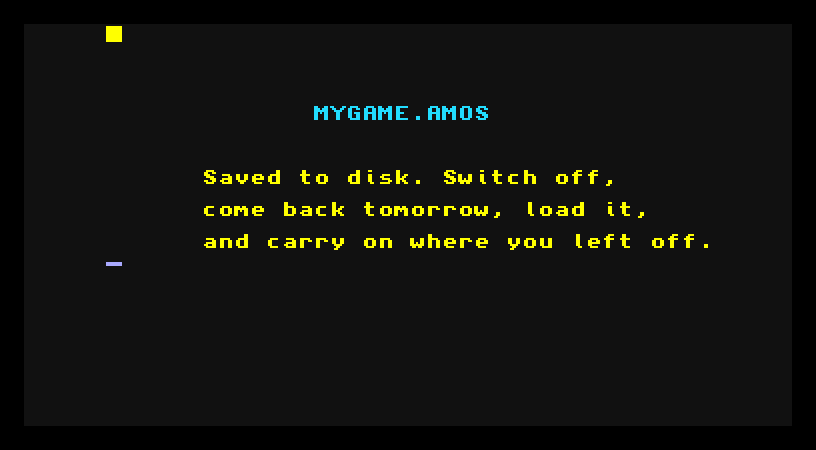
A saved program has a name and a home — here, MYGAME.AMOS on a disk. The screen is just a reminder of the idea; the real action happens in the editor, with a couple of menu choices.
Saving isn’t done in the program
This is the one unit where the lesson isn’t in the code you run — it’s in the editor around it. You don’t write a “save myself” line into your program; you tell the editor to save the program you’ve written, the same way you’d save a document in any application. So instead of a listing to study, here’s the routine to learn.
How to save
In the AMOS editor, your program is the text on screen. To keep it:
- Open the editor’s menus (along the top of the editor, reached with the mouse).
- Choose Save — or Save As the first time, when the program still needs a name.
- Type a name for it, something you’ll recognise —
mygame,firstgame, whatever fits. - AMOS writes it to the disk as a file ending in
.AMOS— that extension marks it as an AMOS program.
That’s it. Your program now exists on the disk as well as in memory. Switch off, and the disk copy keeps it safe.
How to load it back
Loading is the mirror image. From the editor’s menus, choose Load, pick your .AMOS file from the list, and AMOS reads it back into memory — every line exactly as you left it. Now you can run it, change it, and save it again. Write, save, switch off, come back, load, carry on: that’s the loop a real project lives in, stretched over days instead of minutes.
Save early, save often
Here’s the habit, and it’s worth more than any keyword: save often, and save before anything risky. A program that crashes the machine takes everything unsaved with it — and the programs most likely to crash are the half-finished ones you’re in the middle of. Save before you run something new. Save when a bit finally works, so a later mistake can’t cost you it. Save before you stand up for a cup of tea. Every experienced programmer has lost work to a crash exactly once before learning this; let the lesson be cheap.
Try this: the full round trip
Type in any short program from an earlier unit — the bob that moves, say. Save it with a name. Now do something drastic: clear the editor, or reset the Amiga entirely. The program’s gone from memory… but load it back from the disk, and there it is, whole. Run it to prove it survived. That round trip — gone from memory, recovered from disk — is the whole point of saving, felt once so you trust it.
If it doesn’t work
- There’s no Save option, or it’s greyed out. Make sure you’ve clicked into the editor first, so the menus are the editor’s own.
- It won’t write to the disk. A real disk can be write-protected, or full; an emulated one is usually fine, but check your emulator hasn’t mounted the disk as read-only.
- You can’t find your program when loading. Check you’re looking on the same disk you saved to, and that the name matches — the file ends in
.AMOS.
What you’ve learnt
A program lives in memory until you save it, and memory forgets the moment the power goes. The editor’s Save writes your program to disk under a name, as a .AMOS file; Load reads it back, exactly as you left it. The habit that matters more than any command: save early and save often, especially before anything that might crash. It’s the difference between a project that grows over days and one that vanishes in an instant.
What’s next
You’ve learnt to write AMOS, run it, fill the screen, move things, hear them, and keep your work. One unit left — The AMOS Way — a look back at just how much AMOS has been quietly doing for you, and where you go from here now that making a game is something you can sit down and do.