
ZX Spectrum assembly
Learn Z80 assembly by building games
No installation needed. Edit and run your first program in this page.
Start: Meet Assembly →Spectrum assembly is the concrete Z80 route through the machine.
Write instructions for the Z80, build them into a program, and observe the result on the Spectrum. Games give a purpose to memory layout, graphics, input, sound and timing.
- You can enter assembly directly; completing Sinclair BASIC is not required.
- Meet Assembly introduces instructions, memory, loops and branches through experiments you can edit and run in the page.
- The Craft explores design choices such as movement, collision, feedback and challenge.
Optional: work on your own computer
Begin in your browser: each Meet Assembly lesson includes editable source, Asm198x and a working Spectrum. You can also save your source and build locally with Asm198x or Pasmo. The setup guide explains local tools and firmware requirements; the browser lessons need no installation or ROM files.
Set up local tools →Start with Meet Assembly
Eight lessons take you from a border colour to a moving character and a debugger investigation. Predict a change, edit the source, then inspect the real machine. No BASIC or previous programming experience is required.

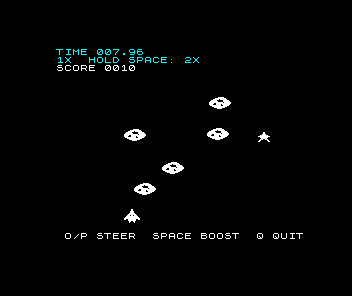
Build Meteor Storm
Turn that foundation into a timed dodging game. Small pixel and clock experiments grow into independent objects, collision, rewards and a drawing budget.
Explore the existing games
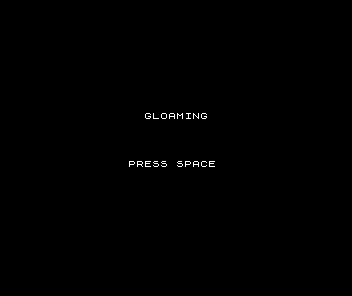
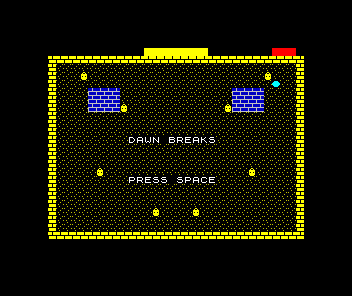
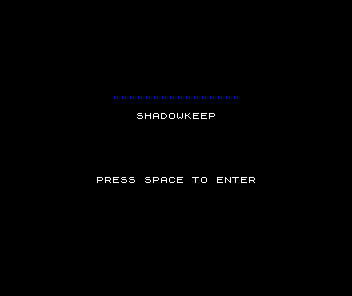
These earlier projects remain available to explore. The additional Meet the Machine experiments are also available.
Gloaming
The Long Night
Shadowkeep
The machine behind the games
These are some of the connections between a game and the machine that runs it. Individual lessons develop the details as they become useful.
Attribute system
Each 8×8 pixel cell shares INK and PAPER colours. Explore how that affects the shapes, backgrounds and movement you design.
ULA graphics
Explore how the display reads bitmap and attribute memory, and why pixel rows are not stored in ordinary screen order.
Z80 assembly
Work with registers, instructions and memory. Z80 knowledge transfers to other Z80 systems; their display, sound and input interfaces need their own code.
Software sprites
Draw moving objects into screen memory. Explore the work needed to preserve a background, detect collisions and update the display in time.
Memory map
The 48K Spectrum has a 64 KB address space: 16 KB of ROM followed by 48 KB of RAM. The display occupies the first part of RAM; the rest is not automatically free for a program to overwrite.