
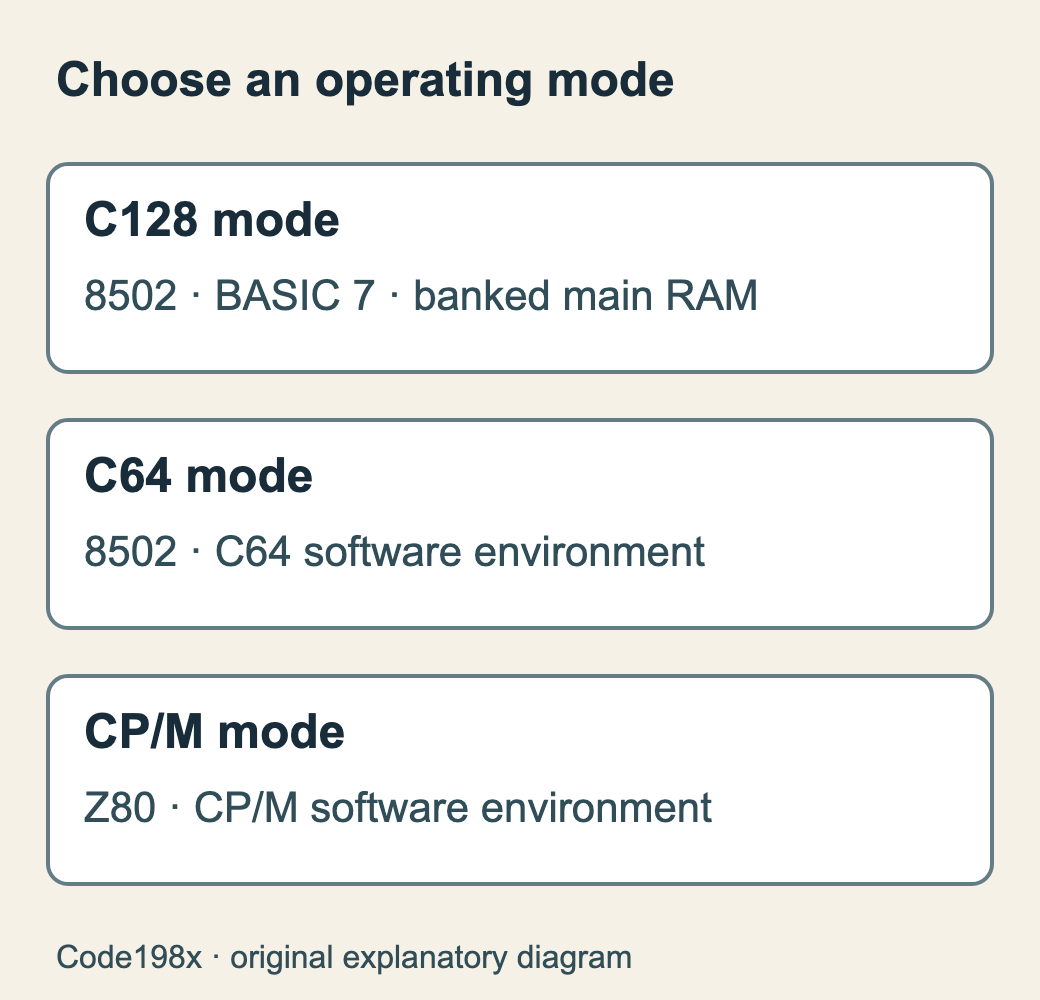
The Commodore 128 offered three different ways to start work. In its native mode it ran BASIC 7 with access to the new machine’s facilities. C64 mode provided the environment expected by Commodore 64 software. A CP/M boot disc opened a third environment, using a Z80 processor rather than the 8502 that ran the other two modes.
These were operating choices, not three computers running programs simultaneously. The 1985 System Guide gives separate instructions for each. Extra memory in the cabinet did not automatically enlarge an existing C64 program’s address space. (Commodore’s guide.)
BASIC could reach the hardware
The C64’s BASIC often sent programmers to PEEK and POKE for graphics and sound. BASIC 7 supplied commands including BOX, CIRCLE and SOUND, alongside facilities for sprites, structured control and disk management. John J. Anderson’s August 1985 Creative Computing account demonstrated some of those commands after the machine had reached general release. They changed what an owner could express directly at the BASIC prompt.
The 128KB of main RAM required bank switching. A processor with a 16-bit address space could not address the whole amount at once. Choosing which memory appeared at an address remained part of programming the native machine.
Two display paths
The 40-column screen retained the VIC-II family of graphics hardware. An 8563 video controller supplied the separate 80-column output, with its own display memory. A suitable display and the correct connection mattered: switching screen width was not changing the font on the same video output.
Native mode also offered a 2MHz CPU setting. The guide’s FAST command switches off the 40-column display; SLOW restores normal 40-column operation. A headline clock speed therefore leaves out a practical display constraint. It is not a promise that every program or peripheral runs twice as fast.
Compatibility had a boundary
The 8502 handled both native and C64 operation; the Z80 supplied CP/M execution. Tom R. Halfhill’s June 1985 preview described an additional 6510, but that pre-production account should not replace the production documentation. The finished machine had two CPUs, shown in Commodore’s service-manual block diagram, p.3. The Centre for Computing History’s held C128 description independently corroborates the arrangement.
Disk hardware mattered too. The 1571 was designed for the new environment, while older 1541 equipment and C64 fastloaders brought their own protocols and assumptions. VICE preserves the C128 as a distinct emulated machine: choosing C64 emulation alone omits its native and CP/M environments.
Sources
-
Commodore, Commodore 128 System Guide (1985). Native, C64 and CP/M modes; BASIC 7, memory and display chapters. Read source.
-
John J. Anderson, A quick quo vadis: the C128, Creative Computing (1985-08). Volume 11 number 8, p.98; contemporary shipping-machine account. Read source.
-
Tom R. Halfhill, The Commodore 128: A Hands-On Report, COMPUTE! (1985-06). Issue 61, p.18; pre-production preview. Its three-CPU description is not the production specification. Read source.
-
Commodore, 128/128D Service Manual, November 1987, p.3: production-system block diagram, identifying the two CPU paths and separate video memory. Original scan.