Lucky Number
Type in a complete visual game, then learn programming by changing what it does.
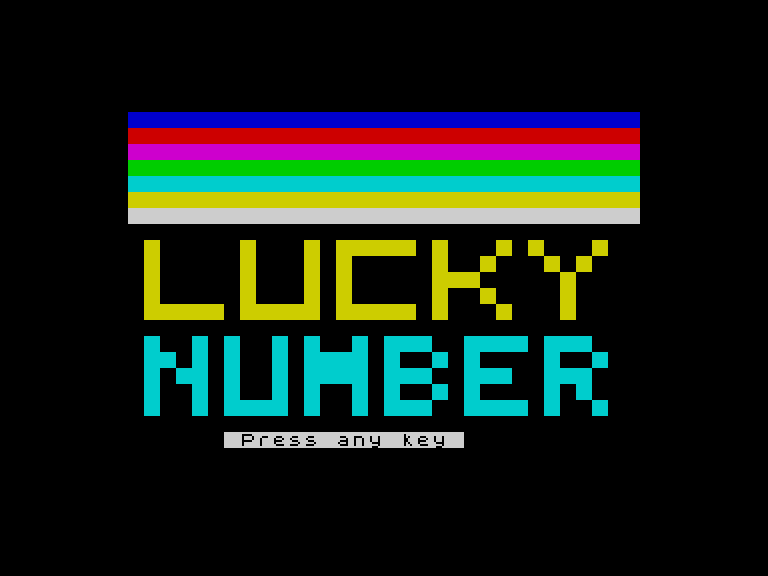
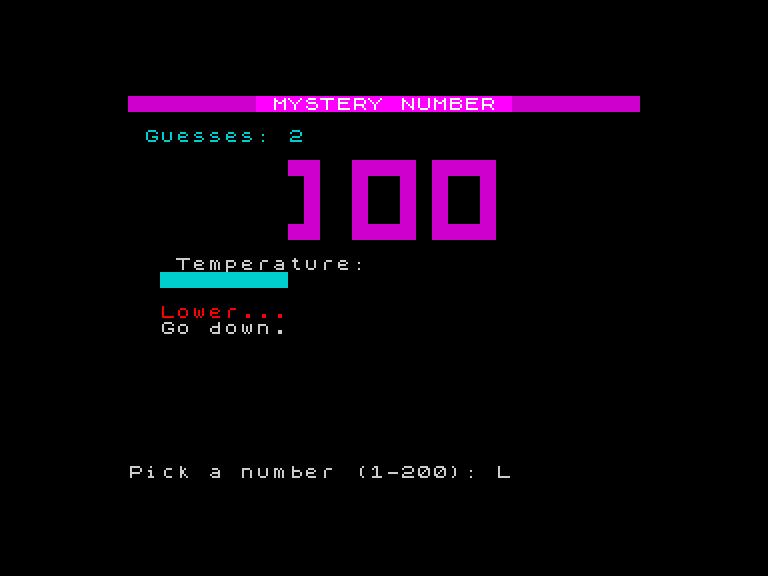
The computer picks a secret number between 1 and 100. You guess. It tells you higher or lower. A temperature bar shows how close you are. Big block-pixel digits display your guess. The border shifts colour. Sound effects punctuate every guess. Win and the screen erupts in colour.
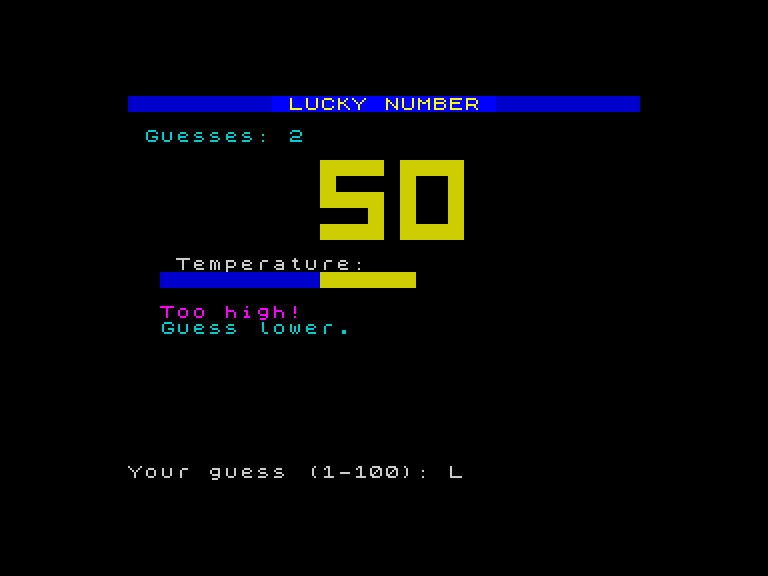
How It Works
Your first Spectrum program isn’t a toy example — it’s a real game. You type the whole thing in before you understand any of it, just like millions of children did with magazine listings in the 1980s. Then you learn how it works by changing it: swapping messages, adjusting colours, tweaking the scoring, breaking and fixing the loop. Every concept is understood through its visible effect on the running game.
What You’ll Learn
- PRINT — putting text on screen
- LET — storing values in variables
- INPUT — asking the player a question
- IF/THEN — making decisions
- GO TO — loops
- RND — random numbers
- REM — comments
Prerequisites
None. This is the very first game. If you’ve never written a line of code, start here.
Unit Roadmap
Lucky Number
Type in a complete game, then learn how it works by changing it
The Magic Program
Type in the complete game — rainbow title screen, block-pixel digits, temperature bar, and victory celebration.
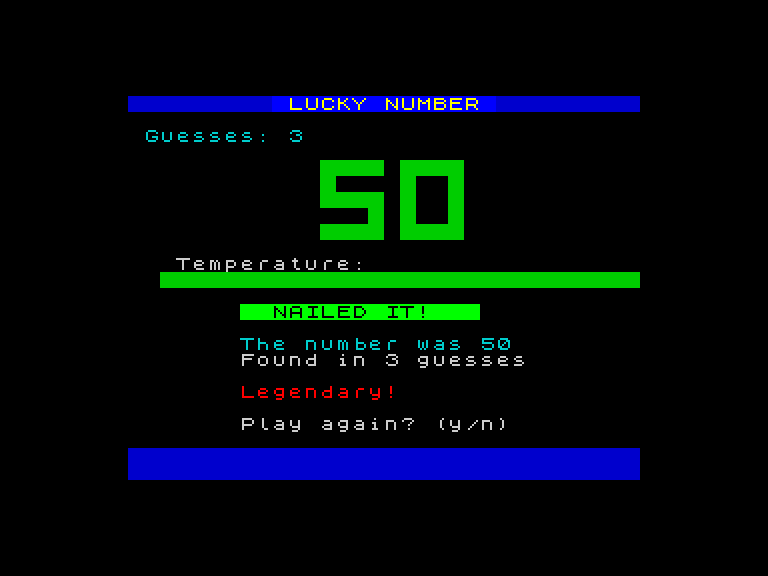
Changing What It Says
Change the messages, feedback text, and scoring tiers — PRINT and strings.
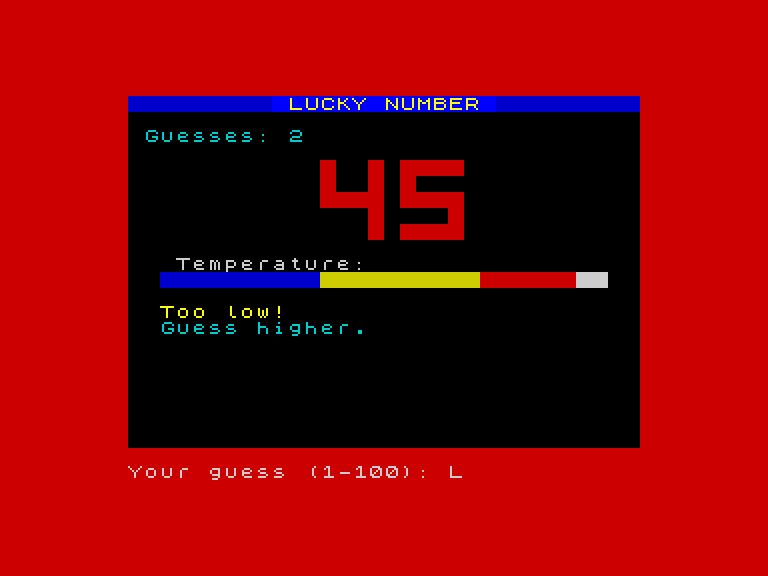
Changing What It Knows
Change variables that control colours, scoring thresholds, and the secret number — LET.
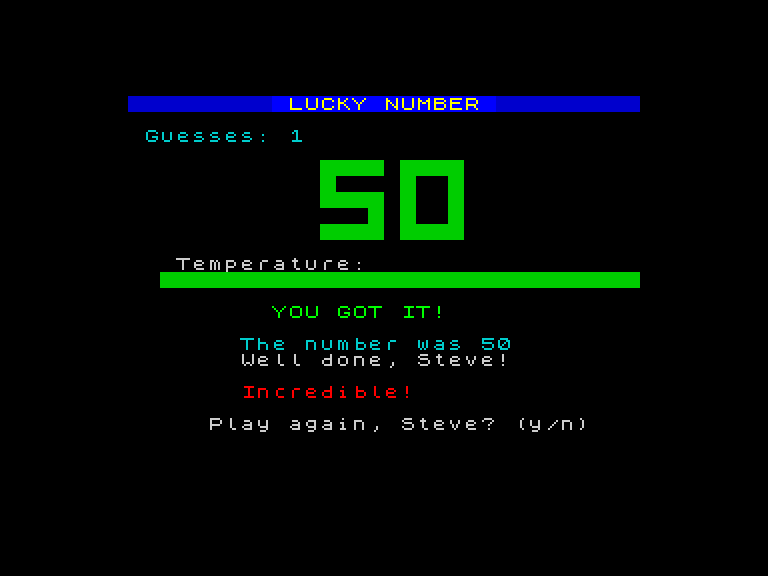
Asking the Player
Add a name prompt and personalise the win screen — INPUT and string variables.
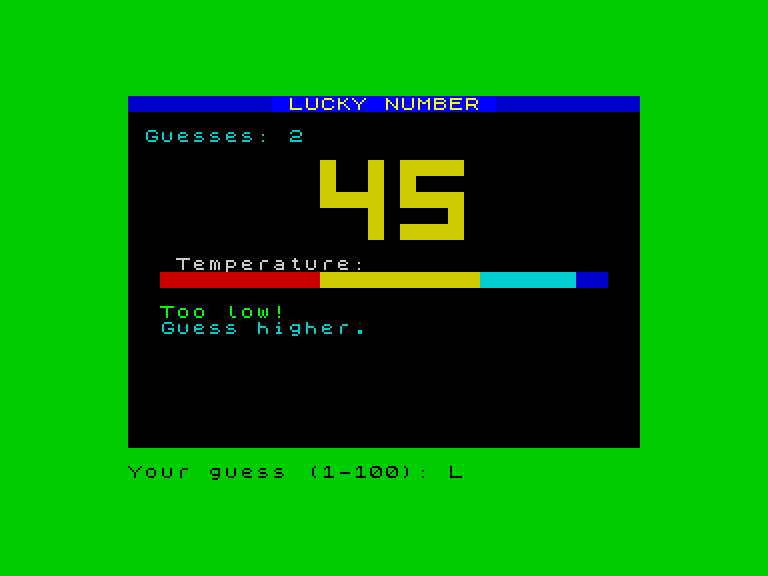
How It Decides
Redesign border colours, scoring tiers, and the temperature bar — IF/THEN.
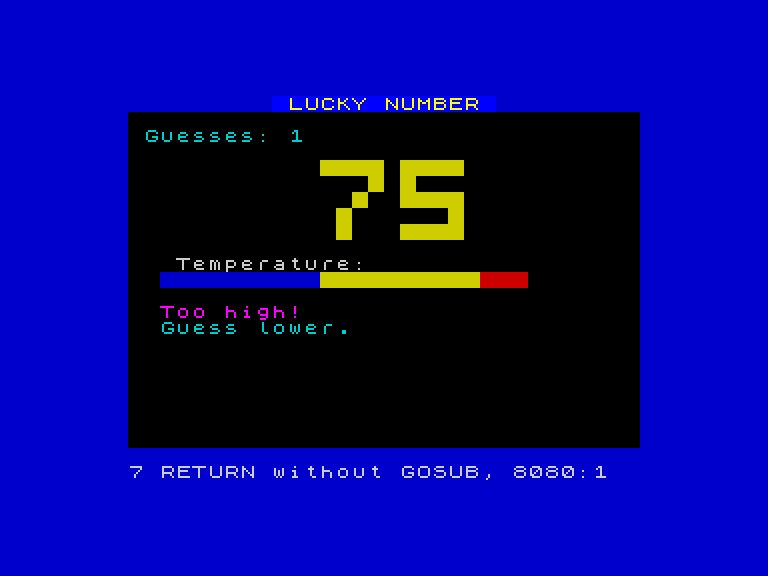
The Loop That Makes It Live
Break and restore the game loop, add REM comments — GO TO.
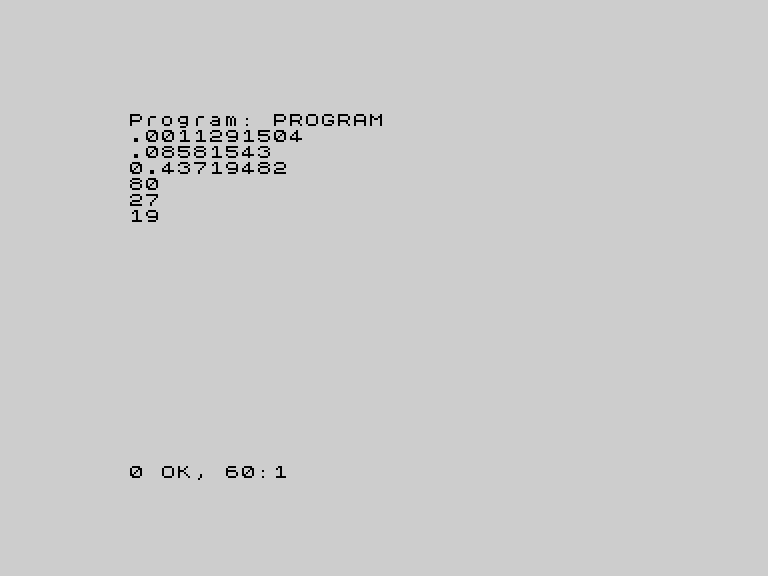
A Different Number Every Time
Restore randomness, change the range, explore the celebration strobe — RND.
Your Version
Full customisation — range, colours, sounds, scoring, title. Make it yours.